Evaluating Procreate Brush Background Pattern Tools for Digital Design
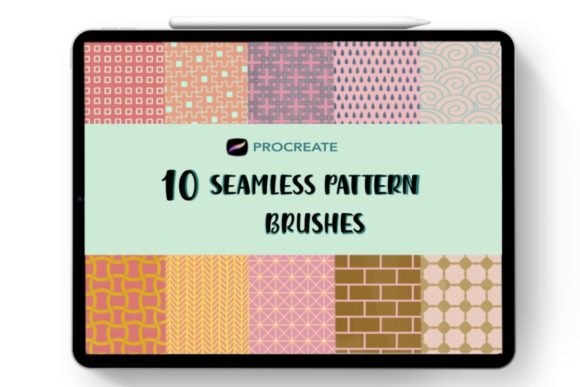
Digital artists and designers often seek efficient methods to add depth, texture, and visual interest to their work without manually painting every detail. A Procreate Brush, Background Pattern set serves as a specialized tool designed to meet this need by allowing users to stamp or draw seamless textures instantly. These tools, such as the "10 Seamless Brushes Vol 2" collection, function by utilizing specific brush settings within the Procreate application to create repeating motifs that tile perfectly. Understanding the utility, limitations, and ideal applications of these brushes is essential for creators deciding whether to integrate them into their workflow.
Understanding Seamless Pattern Brushes
At their core, these digital assets are configured to eliminate visible edges when repeated. Unlike standard stamps that may show hard borders or irregular spacing, a seamless pattern brush is engineered so that the end of the stroke connects flawlessly with the beginning, or individual taps align to form a continuous surface. This technique mimics traditional methods used in textile design, wallpaper creation, and packaging, where continuity is paramount.
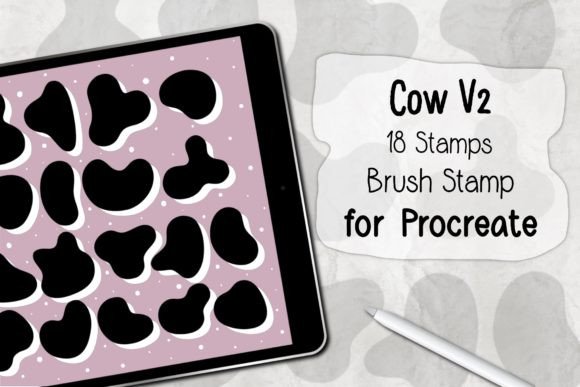
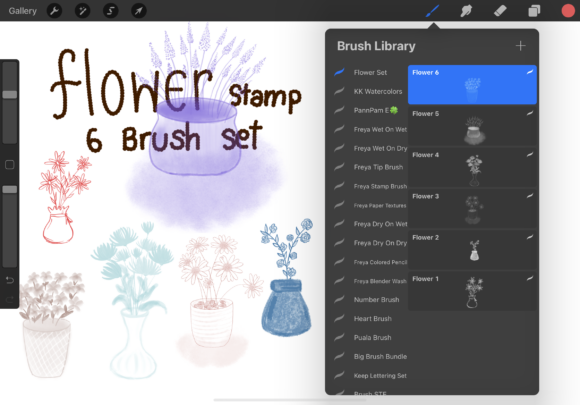
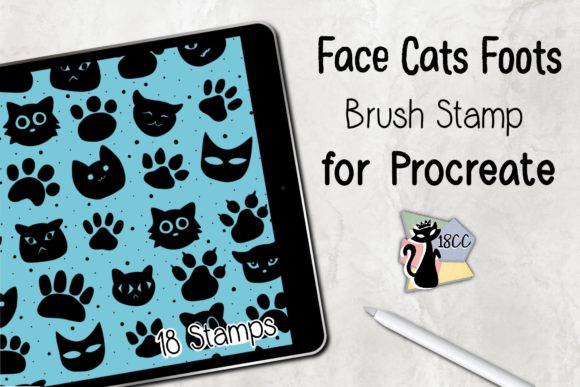
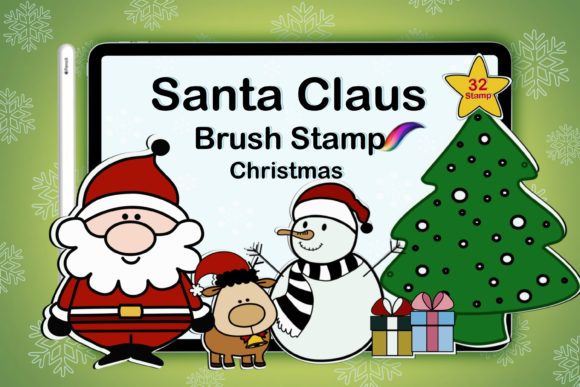
When a user downloads a .brushset file containing these patterns, they are importing a pre-configured set of parameters. These parameters control shape, spacing, scatter, and rotation. In the context of Procreate, these brushes are compatible only with that specific software ecosystem. Once imported, the user can select a specific pattern stamp and apply it to the canvas using an Apple Pencil or finger. The flexibility lies in the ability to scale, resize, change opacity, and alter colors dynamically, offering a non-destructive way to experiment with different looks.
Reasons for Adoption in Creative Workflows
There are several practical reasons why a designer might choose to utilize a Procreate Brush, Background Pattern rather than creating textures from scratch. The primary driver is efficiency. Manually drawing complex geometric repeats or organic textures like brickwork, fabric weaves, or floral tiles can be time-consuming. For professionals working under tight deadlines in graphic design, web design, or product packaging, these brushes offer a shortcut that maintains high visual quality.
Furthermore, these tools facilitate rapid prototyping. When brainstorming ideas for a client presentation or a personal project, being able to generate multiple background variations in minutes allows for faster iteration. The "flow" mentioned in product descriptions refers to the visual rhythm these patterns create. By adding texture, flat illustrations gain dimensionality, making them appear more tactile and engaging to the viewer. This is particularly valuable in industries where surface design dictates the appeal of the final product, such as in custom stationery or apparel mockups.
Benefits and Practical Advantages
The most significant benefit of using a dedicated Seamless Pattern Brush is consistency. Because the pattern is mathematically or programmatically defined within the brush engine, the repetition remains uniform regardless of how long the stroke is. This eliminates the human error associated with manually copying and pasting elements to create a background.
- Scalability: Vector-like behavior in a raster environment allows users to resize the stamp without losing the integrity of the repeat structure, although extreme enlargement may eventually reveal pixelation depending on the source resolution.
- Customizability: Users are not locked into a single color. Since the brush applies pigment based on the selected foreground color, one asset can yield infinite colorways.
- Layer Control: Applying patterns on separate layers enables easy blending mode adjustments (such as Multiply, Overlay, or Soft Light), allowing the texture to interact realistically with underlying artwork.
Additionally, the ease of use lowers the barrier to entry for artists who may struggle with the technical aspects of creating seamless tiles in external software like Photoshop or Illustrator. With a simple tap or drag, the complex task of tiling is handled automatically by the application.
Considerations and Tradeoffs
While convenient, relying on pre-made background patterns comes with tradeoffs that buyers and users must evaluate. The most notable limitation is the potential for overuse. Popular brush sets are often purchased by thousands of artists. If a specific pattern becomes recognizable, it may dilute the uniqueness of a portfolio or a commercial product. Designers aiming for a highly distinct brand identity should consider modifying these brushes significantly or using them as a base layer rather than the final focal point.
Another consideration is resolution dependency. Although Procreate handles high-resolution canvases well, stamp brushes are inherently raster-based. If a user intends to print a design at a very large scale (e.g., a billboard or a large-format wall mural), they must ensure the original brush tip resolution is high enough to prevent pixelation when scaled up. Unlike vector patterns, which remain crisp at any size, raster brushes have a ceiling regarding maximum output quality.
Furthermore, compatibility is strictly limited to the Procreate ecosystem on iPad. Users who work across multiple platforms, such as desktop-based Adobe Fresco or Affinity Designer, cannot directly transfer these .brushset files. This creates a workflow silo that may not suit teams requiring cross-platform asset sharing.
Ideal Use Cases vs. Alternatives
Determining whether a Procreate Brush, Background Pattern is the right fit depends largely on the project scope. These tools are a strong fit for:
- Digital Illustration: Adding subtle texture to clothing, backgrounds, or environments in character art.
- Social Media Content: Creating visually appealing stories or posts where speed and aesthetic appeal are prioritized over print resolution.
- Mockups and Prototyping: Quickly visualizing how a pattern might look on a phone case, notebook, or fabric swatch before committing to physical production.
- Web Graphics: Generating assets for websites where screen resolution limits make high-fidelity vector patterns less critical.
Conversely, alternatives may be worth considering for large-scale commercial printing, such as fabric rolls or wrapping paper, where vector-based patterns created in Adobe Illustrator provide superior scalability and editability. Similarly, if a project requires a completely unique, hand-drawn aesthetic that defies standard repetition, manually painting the texture or creating a custom half-tone effect might yield more organic results than a standardized stamp brush.
Making an Informed Decision
When evaluating a purchase like "10 Seamless Brushes Vol 2," creators should assess their current workflow bottlenecks. If the process of creating backgrounds slows down production or if the artist lacks confidence in drawing repetitive structures, these brushes offer a logical solution. However, it is vital to view them as enhancers rather than replacements for fundamental design skills.
Prospective users should also verify the technical specifications provided by the creator. Ensuring the file format is indeed a .brushset compatible with their version of Procreate prevents installation issues. Ultimately, the value of a Procreate Brush, Background Pattern lies in its ability to streamline the creative process while maintaining artistic control. By understanding both the efficiencies gained and the limitations inherent in raster stamping, designers can effectively decide if these tools align with their specific project goals and long-term artistic development.