Unlocking Creative Potential with a Versatile Ink Brush Collection
There is a specific kind of satisfaction that comes from seeing a digital design carry the weight and texture of traditional media. That organic imperfection, the way ink bleeds slightly into paper, or the sharp flick of a dry brush stroke—it adds a human touch that flat vector shapes often lack. This is exactly where a comprehensive Ink Brush Collection becomes an indispensable asset for modern creators. Whether you are a seasoned graphic designer, a hobbyist crafter, or a small business owner looking to elevate your brand visuals, having access to high-quality brush strokes in multiple formats changes the game entirely.
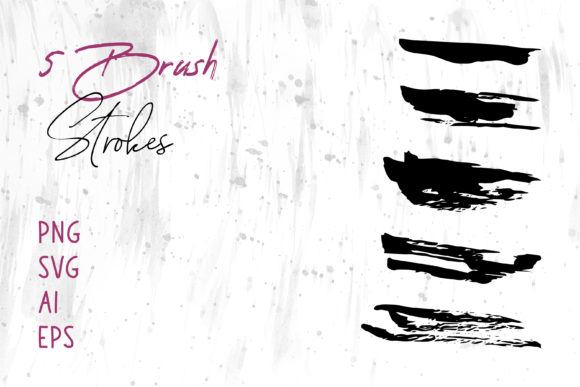
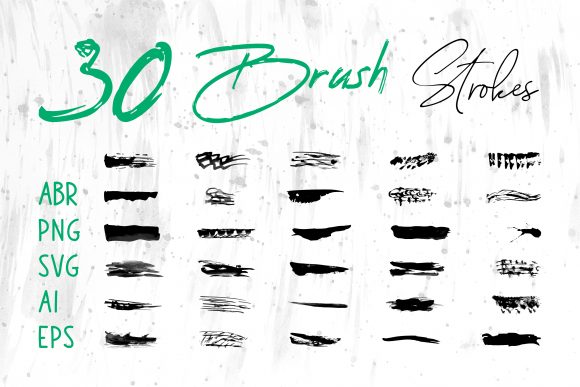
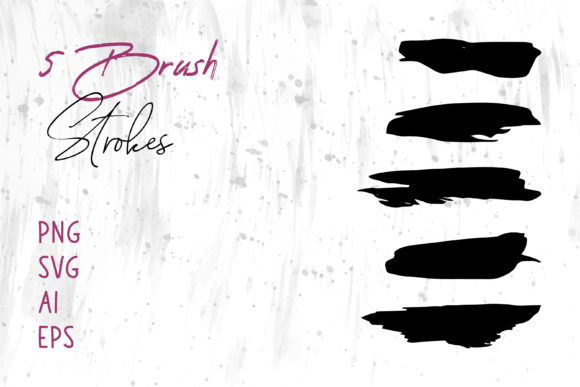
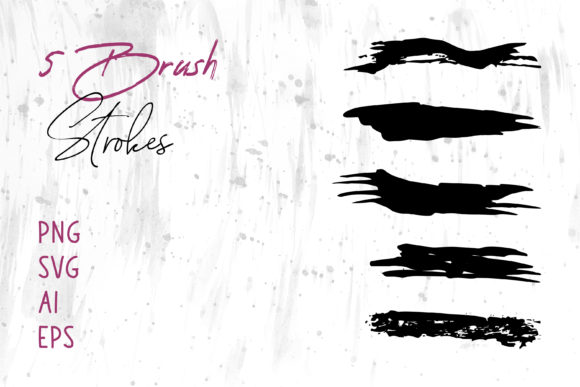
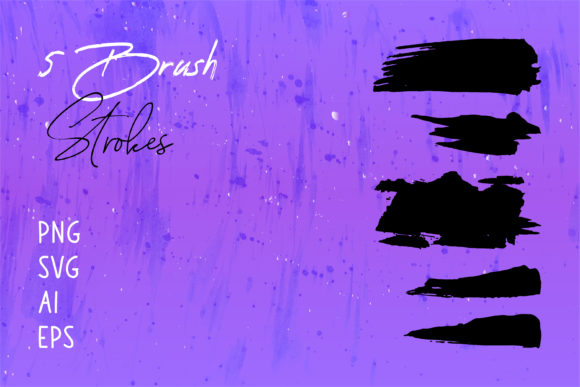
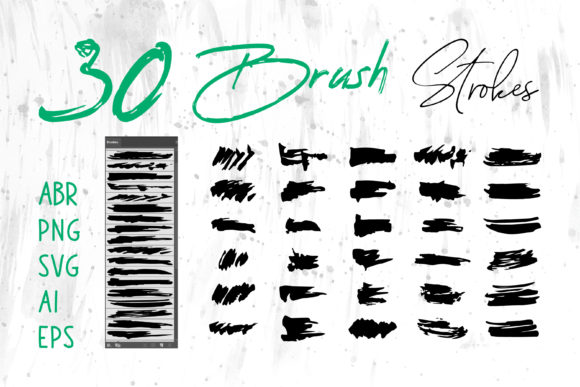
The real value of these collections isn't just in the images themselves, but in the flexibility they offer. When you download a premium set, you aren't just getting one file type; you are getting a toolkit designed to work across your entire workflow. Imagine receiving files in ABR for Photoshop, Brush Strokes.ai for Illustrator, along with PNG, SVG, EPS, and even editable source files compatible with Procreate. This variety means you aren't forced to adapt your project to the tool; you can choose the tool that best fits the job.
Bridging the Gap Between Digital and Traditional Design
One of the most common hurdles designers face is making digital work feel "alive." Corporate templates and standard fonts can sometimes feel sterile. By integrating an Ink Brush Collection into your projects, you instantly introduce movement and emotion. Consider the scenario of designing a Book Cover. A thriller novel might benefit from jagged, aggressive black ink splatters that suggest chaos, while a romance novel could use soft, flowing watercolor-style strokes to imply gentleness. Having these elements ready to go in AI or EPS format allows you to scale them infinitely without losing quality, ensuring your cover looks crisp on both a thumbnail image and a large bookstore display.
The utility extends far beyond book publishing. In the world of Packaging, brands are constantly searching for ways to stand out on crowded shelves. Artisanal coffee bags, craft beer labels, and organic soap wrappers often rely on hand-drawn aesthetics to communicate authenticity. Instead of hiring an illustrator to draw every single element from scratch—a process that can be time-consuming and expensive—you can utilize pre-made brush strokes to build unique compositions. Because these collections often include SVG and Vector files, you can recolor them to match specific brand palettes perfectly, ensuring consistency across all product lines.
Empowering Non-Designers and Office Professionals
It is a misconception that high-end graphic resources are only for Adobe experts. A significant portion of the audience benefiting from these tools includes professionals using MS Word and MS PowerPoint. Think about the impact of a well-designed presentation. Instead of relying on generic clip art or bullet points, imagine adding subtle ink wash backgrounds or dynamic divider lines made from brush strokes to your slides. It elevates the perceived value of your content immediately.
For administrative staff creating internal newsletters, event invitations, or reports, having access to PNG files with transparent backgrounds is a lifesaver. You can drag and drop these elements directly into your documents to create headers, frame photos, or add decorative accents. The key here is versatility; a collection that provides raster images (PNG) alongside vectors ensures that whether you are working in a pixel-based environment or a layout program like Adobe InDesign, you have the right file for the job. This removes the technical barrier, allowing anyone with a creative eye to produce professional-looking materials.
Tailoring Assets for Fashion and Merchandise
The apparel industry, particularly T-Shirt design, thrives on bold, expressive graphics. Streetwear brands, in particular, lean heavily into grunge, calligraphy, and abstract ink styles. An Ink Brush Collection serves as a foundational library for these designs. A designer might take a heavy, textured stroke from an ABR file in Photoshop, manipulate its opacity and blending modes to create a distressed look, and then place typography over it.
Furthermore, because these collections often include ProCreate brushes, iPad artists can sketch directly on the go. They can create custom logos or illustrations using the digital ink feel, export them as SVG or AI files, and send them straight to a screen printer. This seamless transition from tablet to print shop is crucial for entrepreneurs running print-on-demand businesses. The ability to tweak the vector paths in Illustrator before printing ensures that even the finest details of a brush flick are captured accurately on fabric.
Digital Marketing and Social Media Presence
In the fast-paced world of social media, stopping the scroll is the primary objective. Static, corporate images often get ignored. Content that feels handmade or artistic tends to garner more engagement. Using brush strokes for Social Media Banners, Instagram story highlights, or YouTube thumbnails can give your profile a cohesive and stylish identity.
For instance, a life coach or wellness blogger might use soft, pastel ink blots as background elements for their quote graphics. A tech startup might use sharp, neon-colored vector strokes to convey energy and innovation. The SVG format is particularly powerful here for web developers, as these files are lightweight and scale perfectly on any device screen, from mobile phones to 4K monitors. Incorporating these elements into website headers or landing page backgrounds can significantly reduce bounce rates by making the site feel more curated and less template-driven.
Practical Considerations Before You Start
While the possibilities are endless, there are a few practical things to keep in mind when selecting and using an Ink Brush Collection. First, consider the resolution and format relative to your end goal. If you are designing for large-format printing, such as a billboard or a trade show banner, always prioritize the EPS, AI, or SVG vector files. These can be scaled to the size of a building without becoming pixelated. Raster files like PNG are excellent for web use or small prints, but they have a maximum resolution limit.
Secondly, think about editability. Some projects require you to change the shape of a stroke slightly to fit around text or other graphics. Files labeled as Brush Strokes.ai or those compatible with Illustrator allow you to ungroup paths and manipulate individual anchor points. This level of control is essential for logo design, where uniqueness is paramount. On the other hand, if you need speed and texture for a background, the ready-to-use PNGs or Photoshop ABR brushes will save you hours of work.
Finally, don't underestimate the power of layering. The most compelling designs often come from combining different elements. You might use a wet ink stroke as a base, overlay a dry brush texture from a ProCreate export, and then add a vector splash on top. Mixing file types within a single project allows for a depth of texture that mimics real-world painting techniques.
Ultimately, investing in a diverse Ink Brush Collection is about buying back your time and expanding your creative vocabulary. It provides the raw materials needed to tell stories visually, whether that story is on a Digital Scrapbook page preserving family memories, a Craft Project sold at a local fair, or a global advertising campaign. By understanding the strengths of each file format—from the scalability of vectors to the textural richness of raster brushes—you can ensure that every project you touch carries a distinct, professional, and human signature.