Master Digital Art with Watercolor and Ink Brushes
Creating art that feels organic and hand-crafted in a digital environment can sometimes feel like a contradiction. You want the fluidity of wet paint and the sharp precision of ink, but you are working on a screen. This is where a comprehensive Watercolor Brush Set combined with an Ink Brush collection becomes an essential tool for modern creators. Whether you are a seasoned graphic designer or someone just starting to explore digital illustration, having the right tools bridges the gap between traditional texture and digital efficiency.
These brush collections are designed to replicate the natural behavior of physical media. A high-quality watercolor brush simulates how pigment spreads on wet paper, creating soft edges, blooms, and transparent layers. Conversely, an ink brush offers variable line weights and dry textures that mimic dip pens and calligraphy tools. When you combine these two distinct styles, you unlock a versatile workflow that allows for everything from loose, dreamy backgrounds to crisp, defined typography and line work.
Why Format Versatility Matters for Your Workflow
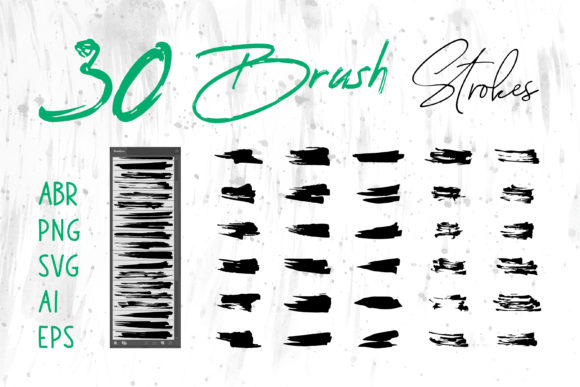
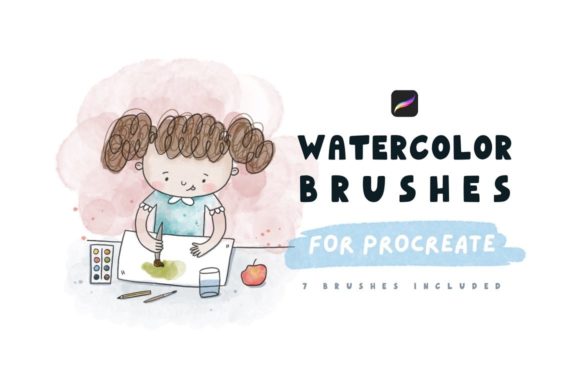
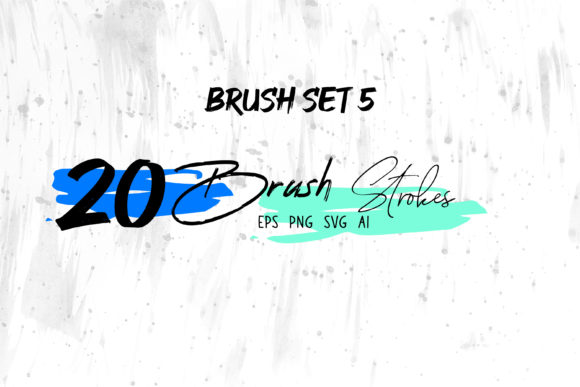
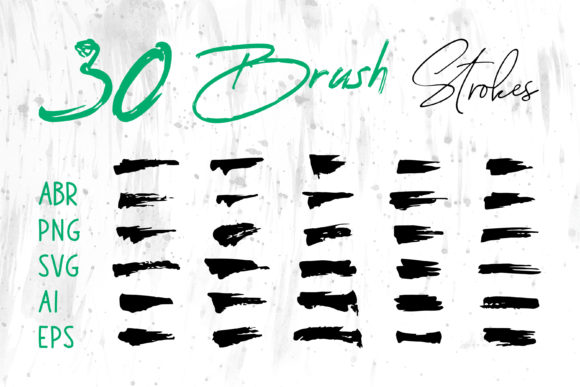
One of the most significant challenges designers face is compatibility. You might create a masterpiece in one program only to find it difficult to integrate into another without losing quality. This is why receiving your brush strokes in multiple formats—such as ABR for Photoshop, native files for ProCreate, and vector formats like SVG, AI, and EPS—is a game-changer.
Raster formats like PNG and ABR are perfect for painting directly onto canvases where texture and pixel-based blending are key. They excel in applications like digital scrapbooking or creating textured overlays for website banners. However, when you need to scale a logo for a massive billboard or print it on a t-shirt, vector formats (AI, EPS, SVG) are indispensable. These files use mathematical paths rather than pixels, meaning your ink splatters and watercolor washes can be resized infinitely without becoming blurry or pixelated.
Having access to both raster and vector versions means you are not locked into a single software ecosystem. You can start a project in Adobe Illustrator to create a scalable logo element, move it to Adobe Photoshop to add complex shading and texture, and then place the final composition into Adobe InDesign for a book cover layout. Even users who rely on office software like MS Word or MS PowerPoint can benefit from the PNG versions, adding professional, artistic flair to business presentations and reports without needing expensive design suites.
Practical Applications Across Industries
The utility of a Watercolor Brush Set and Ink Brush pack extends far beyond fine art illustration. In the world of branding and marketing, there is a growing demand for authentic, human-centric visuals that stand out against sterile, corporate stock photography.
- Packaging Design: Use watercolor washes to create soft, inviting backgrounds for cosmetic or food packaging, while using ink brushes to hand-letter ingredient lists or brand names for a boutique feel.
- Social Media Banners: Create eye-catching headers for Instagram or LinkedIn that feature unique, non-repetitive textures, helping your profile look curated and professional.
- T-Shirt and Merchandise: Vector ink strokes are ideal for apparel printing. You can create bold, graphic designs that retain their sharpness even after being printed on fabric.
- Book Covers and Publishing: Indie authors and publishers often seek covers that convey emotion. A blend of moody ink lines and vibrant watercolor splashes can instantly communicate the genre and tone of a story.
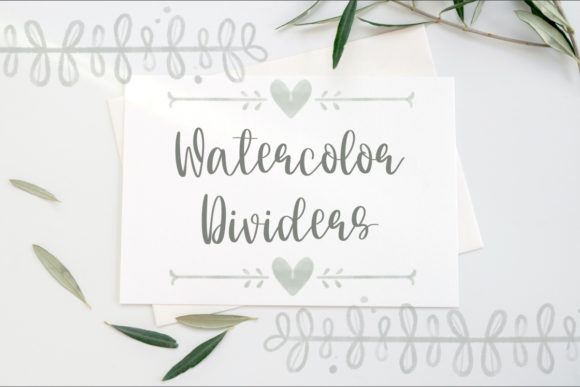
- Wedding and Event Stationery: For card makers and invitation designers, these brushes allow for the creation of custom floral elements and elegant calligraphy that look hand-painted but require no cleanup.
Educators and content creators also find immense value in these assets. A teacher creating digital worksheets can use ink brushes to simulate handwriting for math problems or language exercises, making the material feel more personal and engaging for students. Similarly, bloggers can use these graphics to break up text-heavy posts with custom illustrations that match their site's color palette perfectly.
Getting Started: Tips for Beginners and Pros
If you are new to digital art, the array of settings in programs like Photoshop or ProCreate can be intimidating. The beauty of a pre-made Watercolor Brush Set is that the complex physics of paint simulation have already been programmed for you. You don't need to understand the underlying code of how pressure sensitivity affects opacity; you just need to press your stylus to the screen.
For beginners, start by experimenting with layer modes. Try painting a watercolor wash on one layer and setting the blend mode to "Multiply" before adding ink details on top. This mimics the traditional technique of waiting for paint to dry before inking over it. Don't be afraid to make mistakes; the digital medium allows you to undo instantly, encouraging experimentation with different pressures and angles.
Professionals, on the other hand, can leverage the vector files to speed up their workflow. Instead of drawing every leaf or splash from scratch, you can utilize the included Brush Strokes.ai elements as building blocks. Combine them, recolor them, and warp them to fit your specific composition. This approach maintains the organic look of hand-drawn art while significantly reducing production time for client projects.
Key Considerations Before You Begin
While these tools are powerful, choosing the right set requires a bit of foresight regarding your specific needs. First, consider your primary output medium. If your main focus is web design, high-resolution PNGs and ABR files will be your workhorses. However, if you plan to do large-format printing for signage or apparel, prioritize the SVG, AI, and EPS files to ensure crisp edges at any size.
Another factor is software compatibility. Ensure that your version of Adobe Creative Cloud or ProCreate supports the file types provided. While most modern versions handle these standards effortlessly, it is always good to verify. Additionally, think about the style you aim to achieve. Some watercolor sets lean towards realistic, wet-on-wet diffusion, while others offer a drier, more textured look. Matching the brush character to your artistic vision is crucial for a cohesive final product.
Finally, remember that these brushes are tools, not magic wands. The best results come from understanding basic principles of light, shadow, and composition. Use the Ink Brush to define structure and the Watercolor Brush Set to add depth and atmosphere. By mastering the interplay between these two elements, you can create digital artwork that resonates with the warmth and imperfection of traditional media.
Whether you are designing a logo for a new startup, crafting a digital scrapbook of family memories, or producing marketing materials for a small business, having a versatile library of brush strokes empowers you to bring your unique vision to life. The ability to seamlessly move between raster and vector workflows ensures that your creativity is never limited by technical constraints, allowing you to focus on what truly matters: telling your story through art.