Master Digital Art with Ink and Watercolor Brush Sets
There is a distinct satisfaction in seeing a digital stroke mimic the organic flow of real ink or the translucent wash of watercolor. For designers, illustrators, and content creators, achieving this level of authenticity often separates a generic layout from a compelling visual story. An Ink Brush Set and Watercolor Brush Set are not merely collections of digital tools; they are bridges between traditional artistic texture and modern workflow efficiency. Whether you are crafting a brand identity, designing packaging, or creating social media assets, having access to high-quality, versatile brush strokes can significantly elevate the perceived value of your work.
The core value of these resources lies in their versatility. Unlike standard vector shapes that can feel rigid and repetitive, a well-crafted brush set introduces human nuance into digital projects. When you utilize an Ink Brush Set, you gain the ability to add hand-drawn emphasis, sketchy outlines, or bold calligraphic elements that grab attention. Similarly, a Watercolor Brush Set allows for soft backgrounds, artistic overlays, and depth that flat colors simply cannot achieve. These elements help break the monotony of pixel-perfect grids, making designs feel more approachable and emotionally resonant.
Seamless Integration Across Your Favorite Software
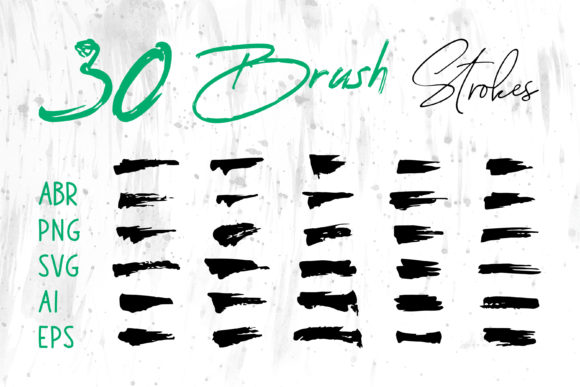
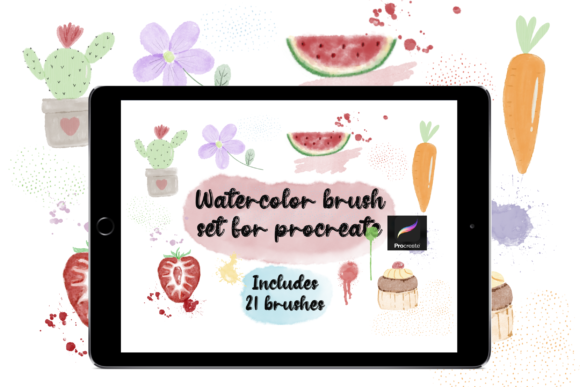
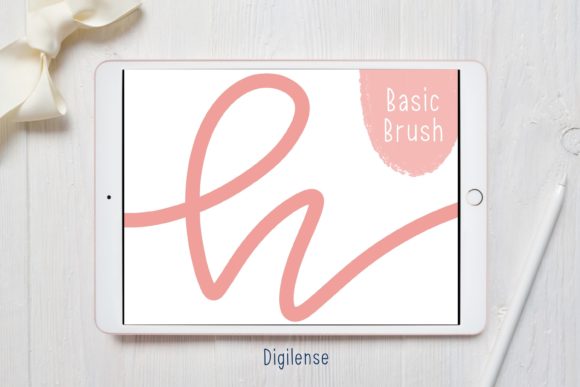
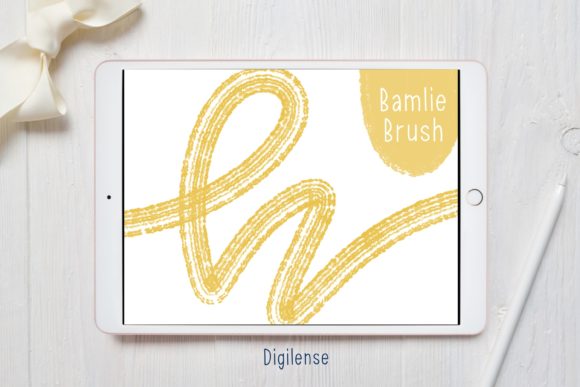
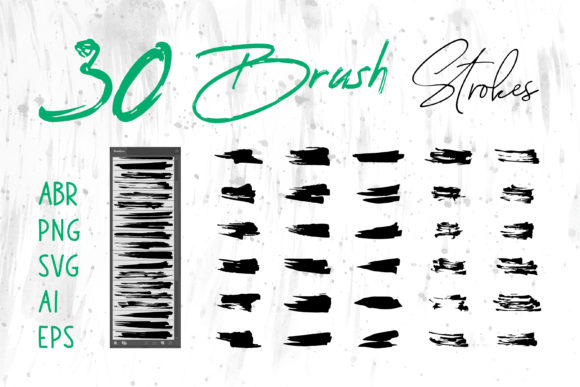
One of the most significant hurdles for creatives is file compatibility. You might find a perfect texture, only to realize it does not open in your current software. This is where comprehensive collections shine. A robust package typically includes files in ABR for Adobe Photoshop, ensuring seamless integration for photo editors and digital painters who need pressure-sensitive dynamics. For iPad users and Procreate enthusiasts, native brush files mean you can start painting immediately without complex imports.
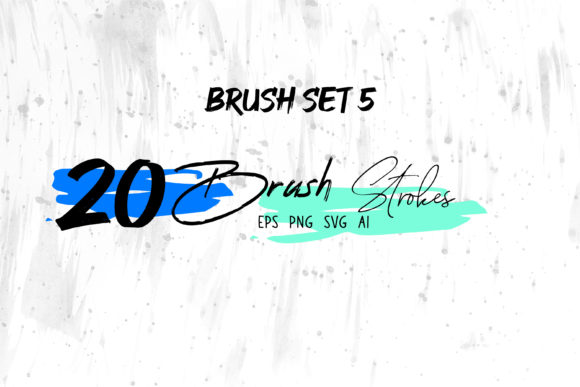
However, the utility extends far beyond dedicated illustration apps. By including formats like PNG, SVG, AI, and EPS, these brush strokes become universally applicable. You can drag and drop high-resolution PNGs directly into MS Word documents to create unique letterheads or into MS PowerPoint presentations to make slides visually engaging. For vector-based workflows in Adobe Illustrator or InDesign, the AI and EPS files allow you to scale graphics infinitely without losing quality, change colors instantly, and manipulate paths to fit specific layout constraints. This cross-platform flexibility ensures that whether you are a freelancer working across multiple client ecosystems or a small business owner managing your own marketing materials, you are never locked out of using your assets.
Elevating Brand Identity and Marketing Materials
In a saturated market, brand differentiation is crucial. Many businesses rely on stock photography and standard fonts, resulting in a homogenized look. Incorporating elements from an Ink Brush Set or Watercolor Brush Set can instantly inject personality into a logo or packaging design. Imagine a coffee brand using rough, sketched ink borders on their packaging to convey an artisanal, small-batch feel. Or consider a wellness coach using soft watercolor washes in their social media banners to evoke calmness and trust.
These tools are particularly effective for Book Covers and T-Shirt designs, where texture plays a pivotal role in consumer appeal. A typography-heavy book cover can be transformed by adding subtle watercolor bleeds behind the text, creating depth and intrigue. For apparel, ink splatter effects or hand-lettered styles derived from these brushes offer a custom look that resonates with audiences seeking authenticity over corporate polish. The ability to tweak these elements in Adobe Illustrator means you can adapt a single brush stroke into a recurring motif across business cards, websites, and merchandise, ensuring brand consistency while maintaining a hand-crafted aesthetic.
Streamlining Workflow for Educators and Content Creators
Beyond commercial design, these assets are invaluable for educators, bloggers, and digital scrapbookers. Teachers creating interactive lessons or printable worksheets can use ink strokes to highlight key information or create fun, engaging headers that capture students' attention. Bloggers can use watercolor elements to frame images or separate sections of text, making long-form content more readable and visually appealing.
For digital scrapbookers, the variety of formats is a game-changer. You can layer PNG textures for realistic paper effects, use SVG cut files for electronic die-cuts, and apply ABR brushes for journaling accents. This eliminates the need to hunt for individual elements across different websites, saving hours of search time. Instead of starting from scratch, you have a library of professional-grade assets ready to be mixed, matched, and modified to suit your narrative.
Practical Considerations and Best Practices
While the benefits are clear, maximizing the potential of an Ink Brush Set and Watercolor Brush Set requires a strategic approach. It is important to remember that while these tools offer realism, they should be used with intention. Overusing textured elements can clutter a design, making it difficult to read or distracting from the main message. The goal is enhancement, not domination.
When working with raster formats like PNG or ABR, always be mindful of resolution. Ensure you are working at a DPI suitable for your output medium—300 DPI for print projects like Packaging or Cards, and 72 DPI for web use. For vector formats like AI and EPS, take advantage of the scalability. You can expand a small ink splatter into a massive wall mural graphic without any loss in clarity, a flexibility that raster images cannot match.
Additionally, consider the color psychology of your project. Watercolor brushes often come with transparency settings that allow underlying colors to show through. Experimenting with blending modes in Photoshop or Procreate can yield unique hues and shadows that flat colors cannot replicate. Conversely, ink brushes are excellent for high-contrast black-and-white applications, but don't hesitate to recolor them to match your brand palette using the direct selection tool in Illustrator.
Who Benefits Most?
This type of resource is ideal for a wide spectrum of users. Freelancers will appreciate the time saved on asset creation, allowing them to focus on strategy and client communication. Small business owners can maintain a professional look for their DIY marketing materials without hiring a full-time designer. Marketers can quickly whip up campaign visuals that stand out in crowded social feeds. Even hobbyists looking to upgrade their craft projects will find the variety of formats empowering.
Ultimately, the decision to invest in a comprehensive brush collection comes down to the desire for quality and efficiency. By providing assets in every major format—from ProCreate to MS Office—these sets remove technical barriers. They allow you to focus on what truly matters: telling your story, selling your product, or expressing your creativity. Whether you are designing a Social Media Banner or a complex Digital Scrapbook, having the right tools at your disposal ensures that your final output is not just good, but memorable.
In conclusion, integrating an Ink Brush Set and Watercolor Brush Set into your creative toolkit is a practical step toward more dynamic and engaging design work. The ability to switch seamlessly between software environments while maintaining a consistent artistic voice is a powerful advantage. As you explore the possibilities of these brush strokes, remember that the best designs often balance technical precision with the imperfect beauty of human touch.