Procreate Beautiful Watercolor Brush Set Review
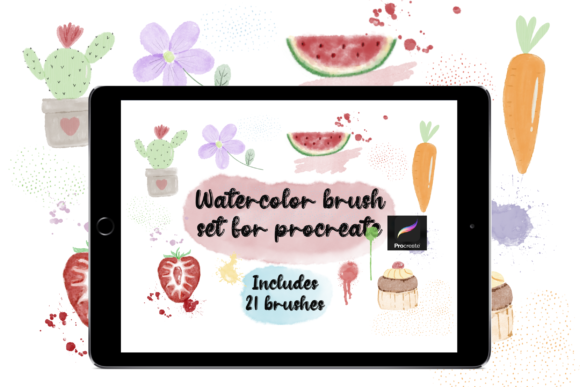
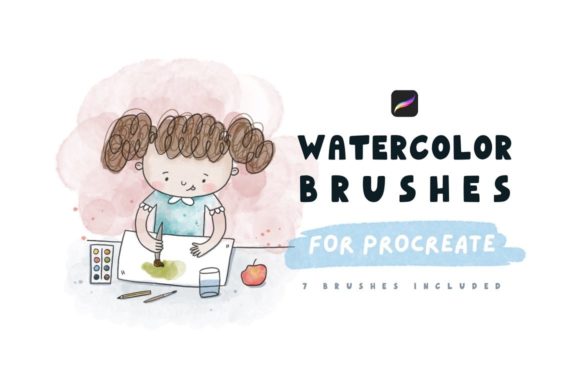
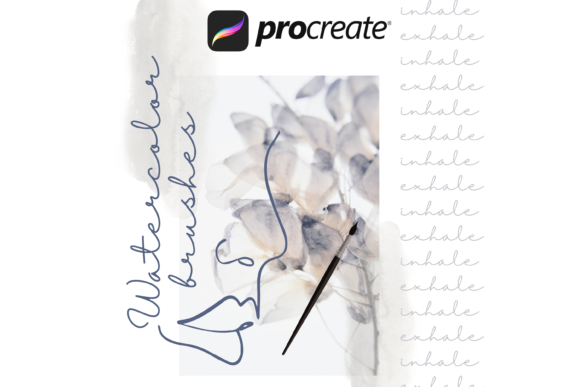
Digital art often struggles to capture the organic, unpredictable flow of traditional media. Pixels can feel rigid, and standard digital tools sometimes lack the texture that makes a painting feel alive. This is where the Procreate Beautiful Watercolor Brush Set changes the workflow for iPad artists. Designed specifically to mimic the behavior of real pigment on paper, this collection of eight brushes bridges the gap between digital convenience and analog soul. However, before diving into the creative possibilities, it is crucial to understand the technical boundaries: these tools are engineered exclusively for the Procreate iOS app. They will not function in other drawing applications, ensuring a optimized experience solely within the Procreate ecosystem.
The installation process reflects the user-friendly philosophy of the iPad ecosystem. There is no complex importing or manual file mapping required. Users simply unzip the downloaded folder, tap the brush file icon, and the set automatically integrates into the Procreate brush library. This seamless setup allows creators to move from download to creation in seconds, removing technical friction so the focus remains entirely on the art.
Why Different Creators Choose Digital Watercolors
The appeal of this specific brush set varies significantly depending on who is holding the Apple Pencil. What matters to a hobbyist sketching on a Sunday morning differs vastly from the priorities of a professional illustrator meeting a client deadline. Understanding these distinctions helps potential users decide if this tool aligns with their specific goals.
For beginners and hobbyists, the primary draw is often the elimination of mess and cost. Traditional watercolor requires an investment in high-quality paper, various brush sizes, paints, and water containers, not to mention the cleanup time. A beginner might hesitate to buy expensive supplies before knowing if they enjoy the medium. This digital set offers a risk-free environment to experiment. The "undo" button provides a safety net that encourages bold experimentation without the fear of ruining a physical canvas. For this group, the value lies in accessibility and learning.
In contrast, professional illustrators and concept artists evaluate tools based on efficiency and commercial viability. For a freelancer working on a children's book or a marketing asset, the ability to switch between a wet wash and a dry detail brush instantly is invaluable. These professionals care about texture fidelity. Does the digital stroke look like it belongs in a gallery, or does it scream "computer-generated"? The eight brushes in this set are tuned to replicate granulation, bleeding, and drying edges, allowing pros to deliver work that satisfies clients looking for a hand-painted aesthetic without the logistical nightmare of shipping physical originals.
Practical Applications Across Industries
The versatility of watercolor textures extends beyond fine art. Different industries leverage these brushes for unique outcomes:
- Bloggers and Content Creators: In a feed saturated with polished, vector-style graphics, a hand-painted header or background stands out. Using these brushes can add a layer of authenticity and warmth to social media posts, making brands feel more approachable and human.
- Educators and Teachers: Creating engaging lesson plans or visual aids often requires soft, inviting imagery. Watercolor illustrations are less intimidating than stark photography or rigid diagrams, making them excellent for explaining complex topics to younger audiences or in wellness contexts.
- Small Business Owners: From packaging design to logo concepts, a watercolor motif can convey elegance and craftsmanship. A boutique bakery or a floral shop might use these digital tools to create cohesive branding materials that mirror their organic products.
- Marketers: Seasonal campaigns often benefit from the emotional resonance of traditional art styles. A holiday card or a summer sale flyer rendered in digital watercolor can evoke nostalgia and trust, potentially increasing engagement rates.
Evaluating Quality and Usability
When considering whether to integrate the Procreate Beautiful Watercolor Brush Set into your toolkit, several factors come into play. The first is ease of use. As noted, the installation is automatic, but the learning curve for the brushes themselves is also gentle. They respond intuitively to pressure and tilt, mimicking the physics of real water. This means users do not need to spend hours tweaking settings to get a good result; the heavy lifting has been done by the brush developer.
Another critical consideration is flexibility. While there are only eight brushes in this specific set, they cover the essential spectrum of watercolor techniques. Typically, such a set includes variants for broad washes, fine liners, splatter effects, and dry brush textures. This curated approach prevents "choice paralysis," where an artist is overwhelmed by hundreds of similar brushes. Instead, the user masters a focused toolkit that handles 90% of watercolor tasks.
However, limitations exist. Because these brushes rely on Procreate's specific rendering engine, they offer zero compatibility with Android tablets or desktop software like Photoshop or Clip Studio Paint. For an artist who works across multiple platforms, this lack of portability is a significant constraint. It locks the workflow into the Apple ecosystem. Users must weigh the superior quality of these specialized brushes against the need for cross-platform flexibility.
Making the Right Choice for Your Workflow
Ultimately, deciding if this brush set is right for you depends on your current projects and future aspirations. If you are an iPad-only artist looking to elevate the realism of your digital paintings, this set is a powerful upgrade. It transforms flat digital colors into dynamic, textured compositions that breathe.
Consider your end goal. Are you creating quick sketches for personal enjoyment? The speed and cleanliness of digital watercolor will enhance your routine. Are you producing commercial assets for print? The high-resolution capabilities of Procreate combined with these realistic textures ensure your work holds up in professional formats. Conversely, if you strictly work in vector graphics or require a tool that syncs between an iPad and a Windows PC, this set may not meet your technical requirements.
The true power of the Procreate Beautiful Watercolor Brush Set lies in its ability to make the digital feel tangible. It invites the user to slow down and appreciate the flow of color, even on a glass screen. Whether you are a seasoned pro refining your portfolio or a curious beginner testing the waters of digital art, these brushes offer a pathway to create work that feels genuinely handmade. By understanding your own needs regarding platform, style, and output, you can determine if this tool is the missing piece in your creative puzzle.