Unlocking Raw Creativity: A Comprehensive Guide to the Grunge Brush Stroke Collection
In the ever-evolving landscape of digital design, there is a perpetual tension between the sleek, pixel-perfect vector and the raw, organic texture of hand-made art. For years, designers struggled to bridge this gap, often settling for sterile graphics that lacked soul or low-resolution images that degraded upon printing. Enter the Grunge Brush Stroke Collection, a versatile toolkit designed to inject authenticity, grit, and human energy into modern creative projects. Whether you are a seasoned graphic designer or a hobbyist crafting your first greeting card, understanding how to leverage these assets can transform your work from good to unforgettable.
What Exactly is a Grunge Brush Stroke?
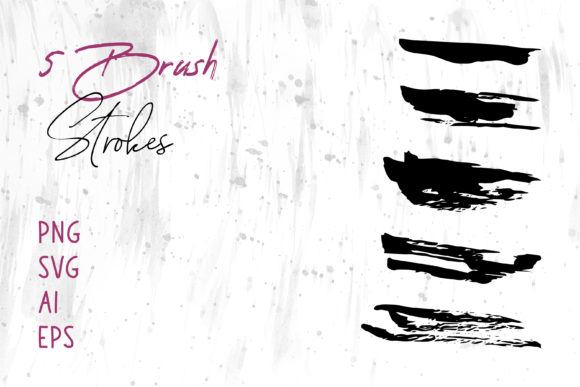
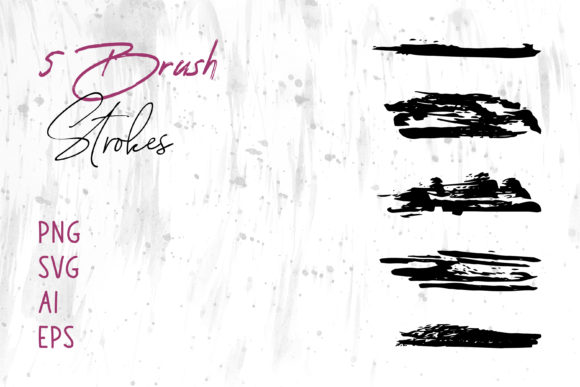
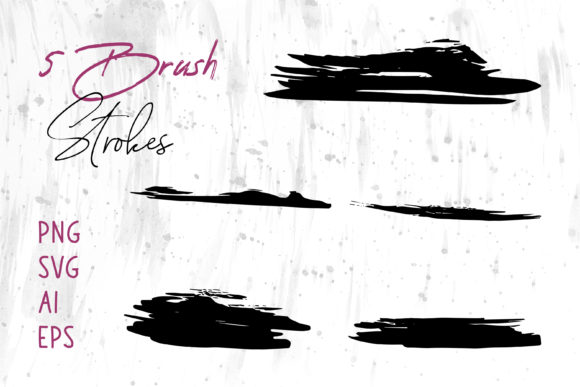
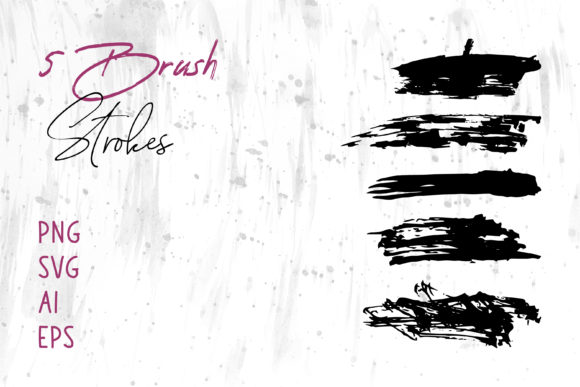
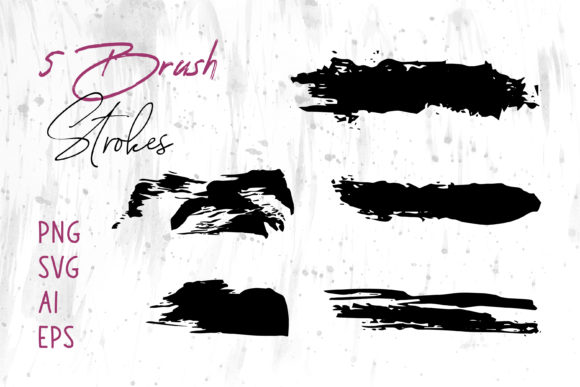
At its core, a grunge brush stroke is a digital representation of a physical mark made by a paintbrush, roller, or ink tool on a textured surface. Unlike standard digital brushes that often look too smooth or uniform, grunge implies imperfection. It captures the splatter, the dry drag of bristles, the uneven distribution of ink, and the chaotic beauty of manual application.
However, in the digital realm, these are not just static images. The Grunge Brush Stroke Collection provides these elements as scalable, editable assets. This means you are not limited to a single size or color. You can stretch them across a billboard or shrink them for a business card without losing quality. The collection serves as a foundational element for adding depth and character to otherwise flat designs, mimicking the tactile feel of traditional media within a digital workflow.
The Power of Multi-Format Compatibility
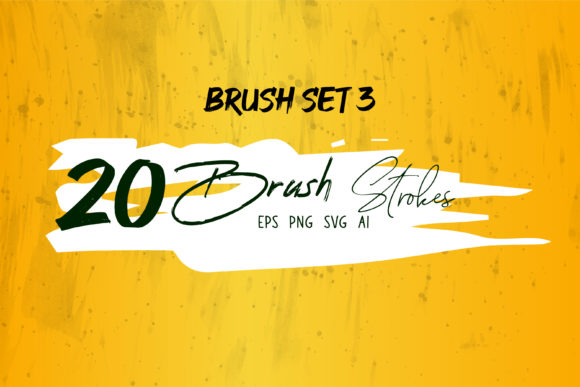
One of the most significant hurdles for creatives is file compatibility. Have you ever downloaded a resource only to find it doesn't open in your preferred software? This collection eliminates that frustration by providing a comprehensive suite of file formats: PNG, SVG, AI, EPS, and the specialized Brush Strokes.ai file. But why does this variety matter?
- PNG (Portable Network Graphics): Ideal for immediate use. These files come with transparent backgrounds, allowing you to drag and drop strokes directly into presentations or web layouts without complex masking.
- SVG (Scalable Vector Graphics): Perfect for web developers and UI designers. SVGs remain crisp at any resolution and can be styled directly with CSS code.
- AI and EPS (Adobe Illustrator & Encapsulated PostScript): These are the industry standards for professional print and vector editing. They allow you to ungroup paths, change anchor points, and recolor every inch of the stroke.
- Brush Strokes.ai: This specific file often contains pre-loaded brush definitions, allowing you to paint with these textures dynamically rather than just placing static images.
By offering this range, the collection ensures that you can use these brushes in different software seamlessly. Whether your workflow relies on the robust vector tools of Adobe Illustrator, the pixel-manipulation power of Adobe Photoshop, the layout precision of Adobe InDesign, or even everyday office tools like MS Word and MS PowerPoint, these assets integrate effortlessly.
Practical Applications Across Industries
The versatility of the Grunge Brush Stroke Collection extends far beyond simple decoration. Its application spans various sectors, proving that "grunge" is not just an aesthetic choice but a functional design strategy.
Elevating Brand Identity and Logos
In the world of branding, standing out is crucial. Many industries are saturated with clean, minimalist logos. Incorporating a grunge brush stroke can signal creativity, rebellion, or artisanal quality. Imagine a coffee shop logo featuring a rough, ink-splashed circle, or a music festival brand using jagged strokes to convey energy. Because the files are available in AI and EPS formats, a logo designer can modify the stroke to fit the exact curvature of a letterform, ensuring a custom look that defines a brand's personality.
Fashion and Merchandise Design
The T-Shirt industry thrives on unique graphics. Grunge strokes provide the perfect base for streetwear designs, band merchandise, or limited-edition apparel. When preparing files for screen printing or Direct-to-Garment (DTG) printing, the high-resolution nature of these vectors ensures that the texture of the brush remains visible and sharp on fabric. Designers can layer multiple strokes to create complex, distressed patterns that look worn-in and vintage straight off the press.
Packaging and Product Presentation
First impressions happen on the shelf. For Packaging design, texture communicates value. A craft beer label, an organic soap box, or a limited-run sneaker box can utilize these strokes to suggest hand-crafted care. The ability to edit colors in Adobe Illustrator means the brush strokes can perfectly match brand guidelines, while the PNG versions allow quick mockups in Photoshop to visualize the final product before committing to print.
Digital Media and Web Presence
Your online presence needs to capture attention quickly. Using grunge elements in a Website header or a Social Media Banner can break the monotony of corporate blue and white templates. For example, a YouTube thumbnail featuring a bold, red grunge swipe behind text can significantly increase click-through rates by creating visual urgency. Furthermore, for Digital Scrapbooks and online portfolios, these elements add a nostalgic, personal touch that pure digital photography often lacks.
Bridging the Gap for Non-Designers
A common misconception is that high-quality design assets are reserved for professionals with expensive degrees. The Grunge Brush Stroke Collection challenges this assumption. By including formats compatible with MS Word and MS PowerPoint, it empowers teachers, small business owners, and students to enhance their documents.
Consider a teacher creating a history presentation about the 1970s punk movement. Instead of relying on clipart, they can insert authentic grunge strokes to frame their slides, instantly setting the tone. Or think of a small business owner drafting a proposal in Word; adding a subtle textured underline created from these brushes can make the document feel more bespoke and thoughtful. The inclusion of PNGs makes this accessible: no knowledge of layers or vector paths is required—just insert, resize, and go.
Expanding Creative Horizons: Craft and Education
Beyond commercial use, these tools are invaluable for Craft Projects and education. In an educational setting, teaching students about texture and composition becomes easier when they have tangible digital assets to manipulate. For crafters who design digitally before cutting with machines (like Cricut or Silhouette), the SVG files are essential. They allow for precise cutting paths that retain the rough edge of the brush, perfect for creating stickers, decals, or iron-on transfers.
Even Book Cover design, a field where typography and imagery must harmonize perfectly, benefits immensely. A thriller novel might use dark, jagged strokes to imply danger, while a memoir might use softer, watercolor-style grunge marks to suggest memory and fluidity. The flexibility of the Brush Strokes.ai file allows cover artists to paint directly onto the canvas, blending the stroke with background imagery for a seamless composite.
Why Texture Matters in a Digital World
We live in an era of high-definition screens and retina displays. While clarity is important, an overload of perfection can feel cold and impersonal. This is known as "digital fatigue." Grunge textures reintroduce the human element. They remind the viewer that a human hand guided the creation, even if that guidance was simulated digitally.
Psychologically, textures evoke emotion. A rough stroke can feel urgent or aggressive; a faded, dusty stroke can feel nostalgic or melancholic. By integrating the Grunge Brush Stroke Collection into your workflow, you aren't just adding decoration; you are adding emotional resonance. This is vital for Marketing and Advertising, where connecting with the audience on an emotional level often drives conversion more effectively than a list of features.
Best Practices for Implementation
To get the most out of this collection, consider the following approach:
- Start with the Right Format: If you are printing, always start with AI or EPS to ensure vector scalability. If you are working for the web, PNG or SVG will keep your file sizes manageable.
- Layering is Key: Don't be afraid to stack multiple strokes. Change their blending modes in Photoshop (such as "Multiply" or "Overlay") to create complex, unique textures that don't look like stock assets.
- Color Theory: While grunge is often associated with black and white, these vectors can be recolored to anything. Experiment with neon colors for a cyberpunk look or pastels for a soft, artistic vibe.
- Contextual Relevance: Ensure the grunge style matches your message. A grunge stroke might be perfect for a rock concert poster but inappropriate for a medical safety brochure. Always align the texture with the brand voice.
Conclusion: Your Toolkit for Authentic Expression
The Grunge Brush Stroke Collection is more than just a folder of images; it is a bridge between the digital and the tactile, the professional and the playful. By providing files in PNG, SVG, AI, EPS, and Brush Strokes.ai, it democratizes high-end textural design, making it accessible for everyone from the corporate marketer designing a Banner to the student creating a Digital Scrapbook.
In a world where content is consumed at lightning speed, stopping the scroll requires visual impact. These brush strokes offer that impact, providing the grit, grain, and gravity needed to make your Logo, T-Shirt, Packaging, or Website stand out. Embrace the imperfection, explore the formats, and let the raw energy of the grunge aesthetic elevate your next project. Whether you are using Adobe InDesign for a magazine layout or MS PowerPoint for a pitch deck, these tools are ready to help you tell your story with greater depth and authenticity.