Grungy Brush Set: Raw Strokes for Any Project
There is a specific kind of energy that only imperfect textures can bring to a design. When digital perfection feels too sterile or cold, adding a grungy brush set can instantly inject life, history, and character into your work. These aren't just lines; they are raw, expressive marks that mimic the unpredictability of physical paint, ink, and charcoal. Whether you are designing a logo for a coffee shop, creating a social media banner, or scrapbooking family memories, the right brush strokes can bridge the gap between a generic template and a unique piece of art.
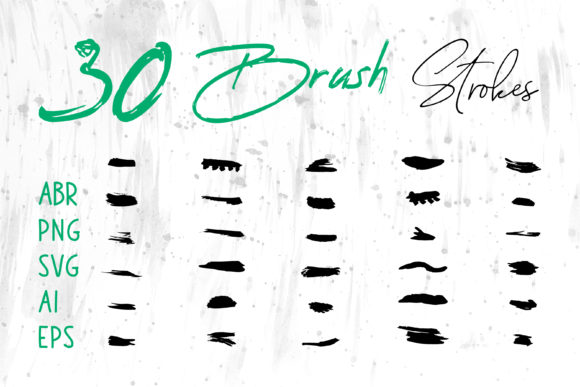
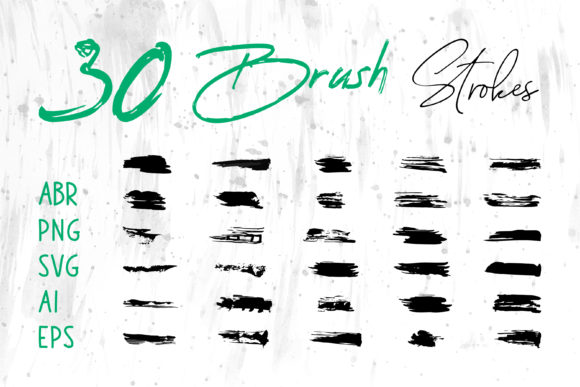
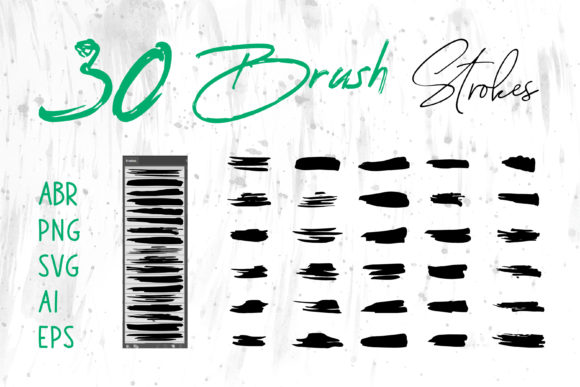
The true value of a comprehensive collection lies in its versatility. A high-quality pack doesn't just give you one way to work; it provides the flexibility to adapt to whatever software you prefer or whatever project lands on your desk. By including files in multiple formats—such as ABR for Photoshop, .brushset for Procreate, and vector formats like SVG, AI, and EPS—you ensure that your creative workflow remains uninterrupted regardless of the tool at hand.
Why Format Flexibility Matters for Every Creator
Different creators operate in different ecosystems. What works for a digital illustrator might not suit a print designer, and a marketer needing quick assets has different needs than a hobbyist exploring new techniques. This is why having access to brush strokes in various file types is crucial.
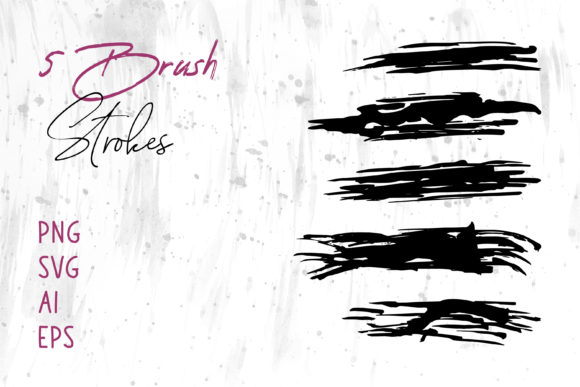
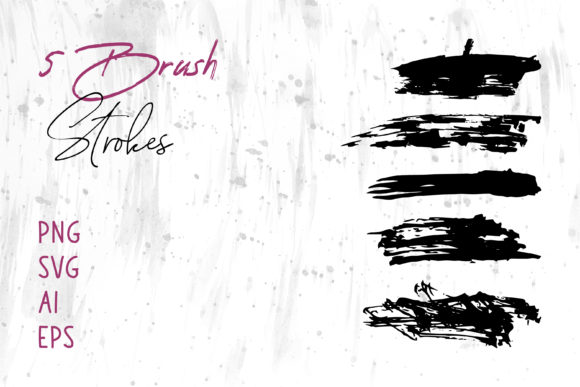
For those deeply embedded in the Adobe ecosystem, the ABR (Adobe Brush) files are indispensable. They allow Photoshop users to paint with dynamic pressure sensitivity, creating organic edges that change with the tilt and speed of their stylus. Similarly, iPad artists relying on ProCreate need native brush sets to maintain that fluid, hand-drawn feel on a portable device. However, the inclusion of vector formats like AI and EPS changes the game entirely. Unlike raster brushes which can pixelate when enlarged, vector brush strokes remain crisp at any size. This is vital for large-format printing, such as billboards or vehicle wraps, where clarity is non-negotiable.
Furthermore, the availability of PNG files with transparent backgrounds democratizes design. You do not need expensive software to use these assets. If you are working in MS Word or MS PowerPoint to create a business presentation or a school report, you can simply drag and drop these grunge elements to break up text-heavy slides. This cross-platform compatibility ensures that the artistic value of the brushes is accessible to everyone, from professional graphic designers to small business owners managing their own marketing materials.
Tailoring Usage to Your Role and Goals
The way you evaluate and utilize a grungy brush set depends heavily on your current role and objectives. Here is how different audiences might approach these tools:
- Freelancers and Entrepreneurs: For this group, time is money. The priority is often speed and commercial value. Having a library of pre-made strokes allows them to mock up concepts for clients rapidly. Instead of spending hours painting texture from scratch, they can apply a vector stroke to a logo draft in seconds, presenting a polished, edgy look that justifies higher rates.
- Educators and Students: In an academic setting, the focus shifts to learning value and creativity. Students can experiment with layering techniques in Photoshop or study the construction of vector paths in Illustrator without the pressure of commercial deadlines. It serves as a safe sandbox to understand how texture influences mood and composition.
- Marketers and Bloggers: The primary goal here is engagement. Social media feeds are saturated with clean, corporate aesthetics. Using grungy overlays and borders can make a post stand out, signaling authenticity and grit. The ease of using PNGs in content management systems or social scheduling tools allows for quick iteration on campaign visuals.
- Hobbyists and Crafters: For the weekend warrior, the joy comes from expression. Whether making a handmade card, a digital scrapbook page, or customizing a t-shirt design, the tactile feel of these brushes adds a personal touch that mass-produced clipart cannot match. The ability to print these designs for physical crafts expands the utility beyond the screen.
Practical Applications Across Industries
The applications for these assets extend far beyond simple illustration. Consider the packaging industry. A craft beer label or an artisanal soap wrapper often relies on earthy, textured visuals to communicate quality and handmade origins. By utilizing EPS or AI files, a designer can integrate rough brush strokes directly into the die-line layout, ensuring the texture prints sharply on cardboard or glass.
In the realm of web design, subtle grunge elements can add depth to flat interfaces. A background texture created from low-opacity brush strokes can prevent a website from looking too clinical, adding warmth and personality to the user experience. Similarly, book cover designers frequently use these sets to establish genre tone immediately; a thriller might use jagged, aggressive black strokes, while a memoir might utilize softer, faded gray washes to evoke memory and nostalgia.
Even in corporate environments, these tools have a place. A startup pitching a disruptive technology might use bold, energetic strokes in their PowerPoint deck to visually represent innovation and breaking boundaries. It signals that they are not bound by traditional, rigid structures.
Making the Right Choice for Your Workflow
When deciding if a specific grungy brush set is right for you, consider your end goal. Are you prioritizing flexibility or ease of use? If you need to scale graphics for both a business card and a building wrap, prioritize sets that include vector formats (SVG, AI, EPS). If your work is primarily for social media or web banners where resolution is fixed, high-resolution PNG or ABR files may suffice.
Quality is another factor. Look for sets that offer variety in opacity and edge definition. A good set should include both heavy, opaque slabs of color and wispy, dry-brush effects. This range allows you to build complex compositions with depth, rather than ending up with a flat, one-dimensional look.
Ultimately, the best tool is the one that disappears into your process, allowing your ideas to flow without technical friction. Whether you are a seasoned pro refining a brand identity or a beginner trying to make your first blog header pop, having the right textures at your fingertips empowers you to create work that feels human, authentic, and impactful. Embrace the imperfection, and let the grunge do the heavy lifting in your next project.